
Create Headshots for Your Whole Team
Add the roster, then run the same proven headshot generator for each person. Every batch keeps its own photos, credits, progress, results, and refunds.
Sign in to manage team headshots
The team console contains private member progress, style rules, and exports, so it is available only to an authenticated organisation member.

Corporate headshots for everyone, without a studio day
Corporate headshots with one consistent look for everyone, including remote staff and new starters, without a studio booking.
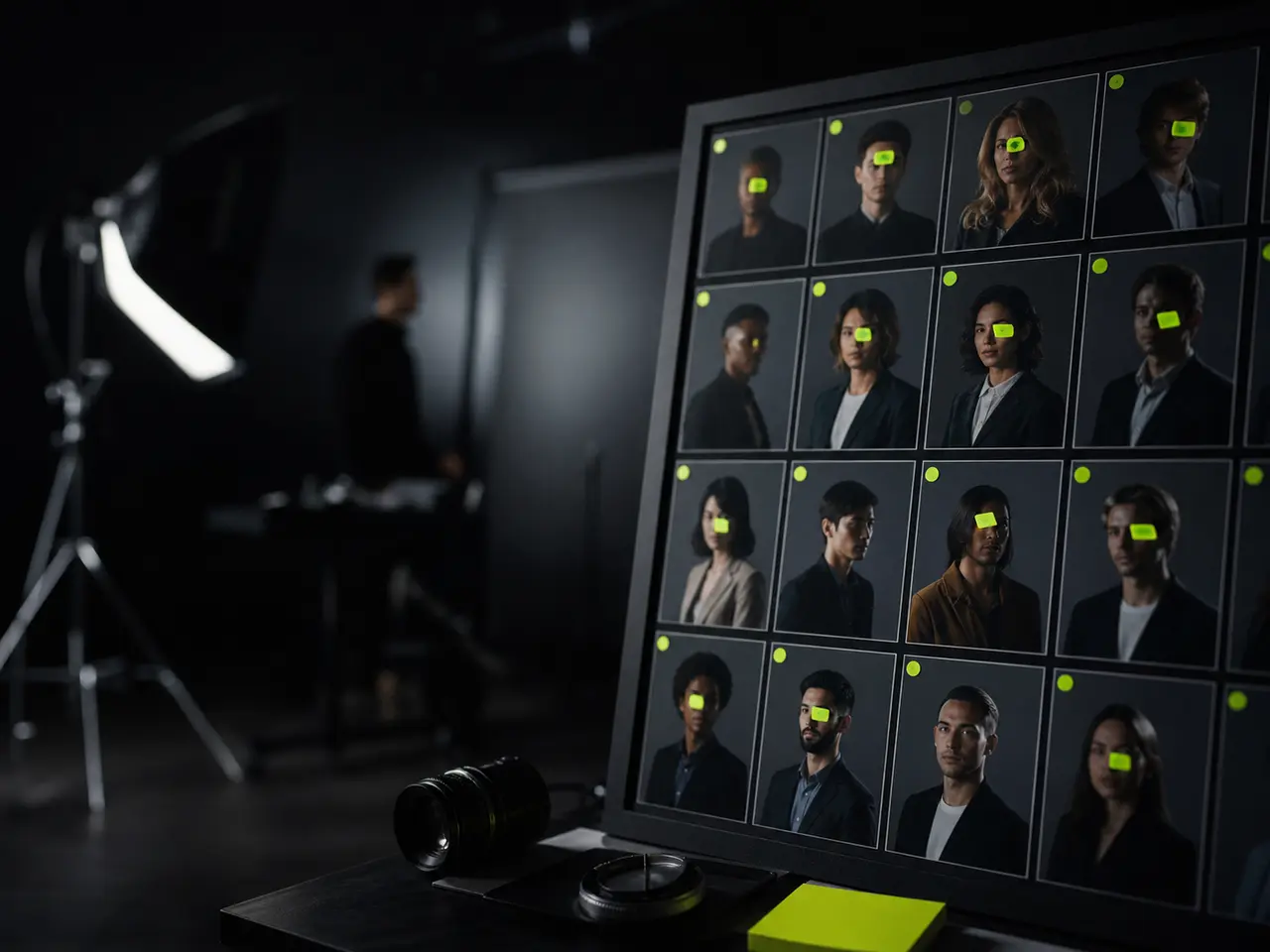
What Makes Corporate Headshots Look Deliberate
The photography is rarely the hard part. Getting everyone in one place on one day - and keeping new hires consistent afterwards - is what actually fails.
Nobody has to be in the same room
Every employee uploads from wherever they are. Distributed teams and satellite offices get the same look as headquarters.
One approved style set, applied to everyone
An admin approves backdrop and outfit combinations, then locks that curated set so the directory stays consistent.
New hires match from day one
Someone joining in March generates against the same style rather than waiting for next year’s session.
A small approved set still gives people choice
Approve several backdrop and outfit combinations, then lock the team to that curated set.
Where corporate headshots need consistency
Mismatched staff photos are the kind of detail people notice without being able to say why.
About and team pages
A grid of headshots where every photo has different lighting reads as unfinished.
Internal directories and Slack
Consistent avatars make internal tools feel like one company rather than a federation.
Proposals and pitch decks
Client-facing documents that put faces to the delivery team build trust quickly.
Conferences and events
Speaker slots and booth staff profiles that need a matching set on short notice.
Why Companies Switch to This
The economics and the logistics both change substantially at team scale.
How a Company Rollout Works
Roughly ten minutes of admin work, then it runs itself.
Lock your style
Pick the approved backdrop and outfit combinations, then lock that set for every member.
Invite your team
Paste names and departments into the rollout roster, then manage account invitations and access from team settings.
Track progress
A live dashboard shows who has uploaded and who has not. Reminders go out automatically.
Review and export
Track the delivered results and download every finished headshot as one ZIP at the resolution you choose.
What to Tell Everyone Before They Upload
Consistency in the output starts with consistency in the input. These four lines are worth pasting straight into the rollout email.
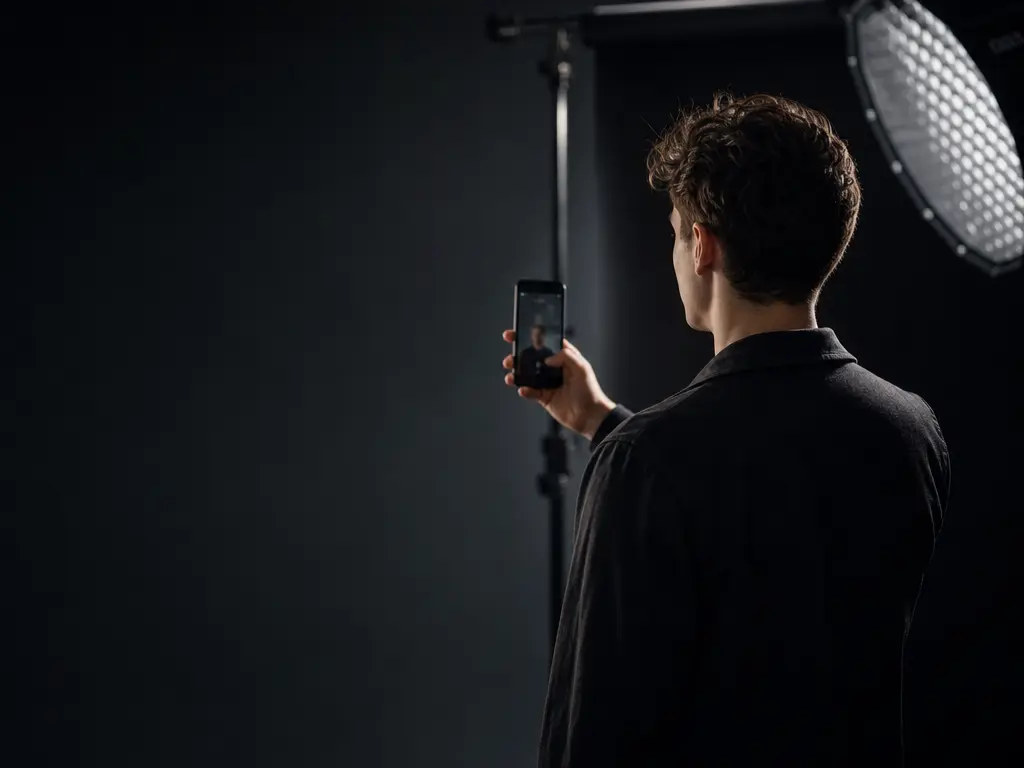
"Find a window and stand facing it"
The single instruction that improves a batch the most. Everyone has a window; nobody has a softbox. Overhead office lighting is the most common reason one person’s set comes back weaker than the rest of the team’s.
"Head and shoulders, arm’s length"
A photo taken from across a meeting room may hold fewer than 200 pixels of face, and that number caps how good the result can be. Distance is the variable people get wrong, not camera quality.
"Two shots, turn slightly for the second"
Straight-on plus a three-quarter turn describes facial depth that a single angle cannot. It costs your colleagues ten extra seconds and visibly lifts the weakest sets in the batch.
"Whatever you are wearing is fine"
Worth saying explicitly, because people otherwise delay for days waiting to be dressed for it. The wardrobe you locked as the team style replaces the clothing in the upload entirely.
Corporate headshots team and admin features
Everything an admin needs to run this without chasing people.

Style locking
Approve backdrop and outfit combinations in the console, then enforce that curated set company-wide.
Roster and account access
Build the headshot roster from pasted names and departments, with account invitations managed through the existing team settings.
Progress dashboard
See exactly who is done, who is pending, and who needs a nudge.
Bulk ZIP export
Download the entire team at your chosen resolution in a single archive.
Admin-locked styles
Keep every member on the approved catalogue backdrop and outfit combinations.
Organisation-wide retention policy
Choose whether employee photos are deleted after 7 or 30 days, applied across everyone.
Employee Photos, Handled Properly
A team rollout puts colleagues' face data in one place. Biometric rules apply to every upload, and each person keeps their own delete button.

Corporate Team Headshots in numbers
What a run costs and returns
Per run, depending on the model and length chosen.
Includes a commercial licence for what you make.
Accepted for upload, up to 5 MB per file.
On a new account, before any plan.
Company Headshot Questions
Rolling this out across a company
Evaluating this for a team? Start with how the AI headshot generator works, then read the enterprise controls if you need SSO or a signed DPA.
Outfit Your Whole Team
Lock a style, invite the team, download the ZIP. Corporate headshots that match, without anyone taking a half-day off.
