
Drop a photo here, or
Nothing is uploaded.
2 × 2 in at 300 DPI.
2 × 2 in at 300 DPI.
These are the correct dimensions and the usual head-position guides. Acceptance is always the issuing authority's decision - we cannot guarantee it.
Lossless. Best for uploads that get re-compressed anyway.
Need a photo worth submitting?
This tool gets the dimensions right. If the photo itself has a shadow across the face or a busy background, generate a clean studio portrait first and then size it here.
Generate a clean portrait →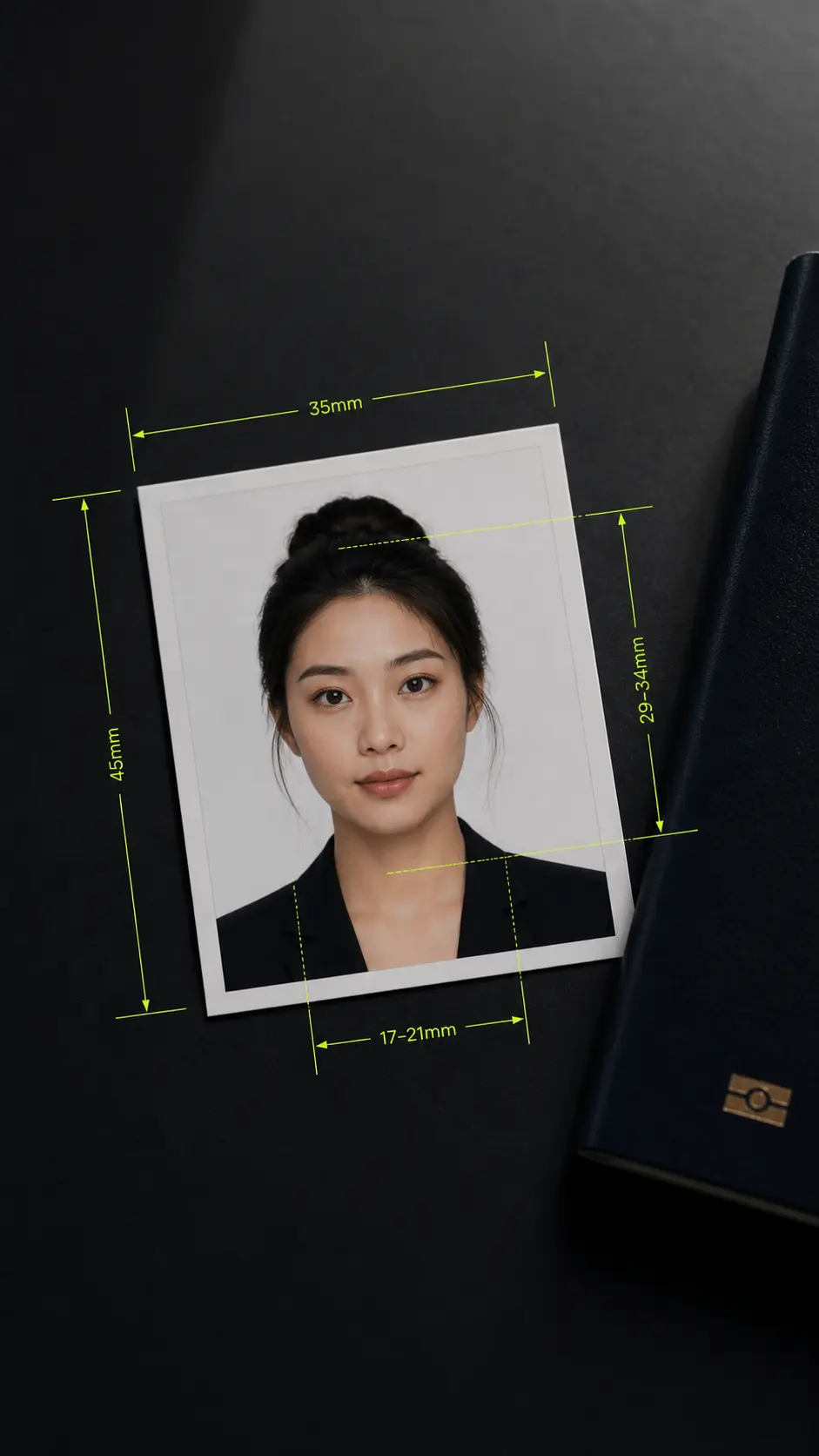
Passport photo size tool with exact official dimensions
US, Schengen, India, China: pick the format, align your face, and download the exact passport photo size - free.
Passport Photo Size by Country
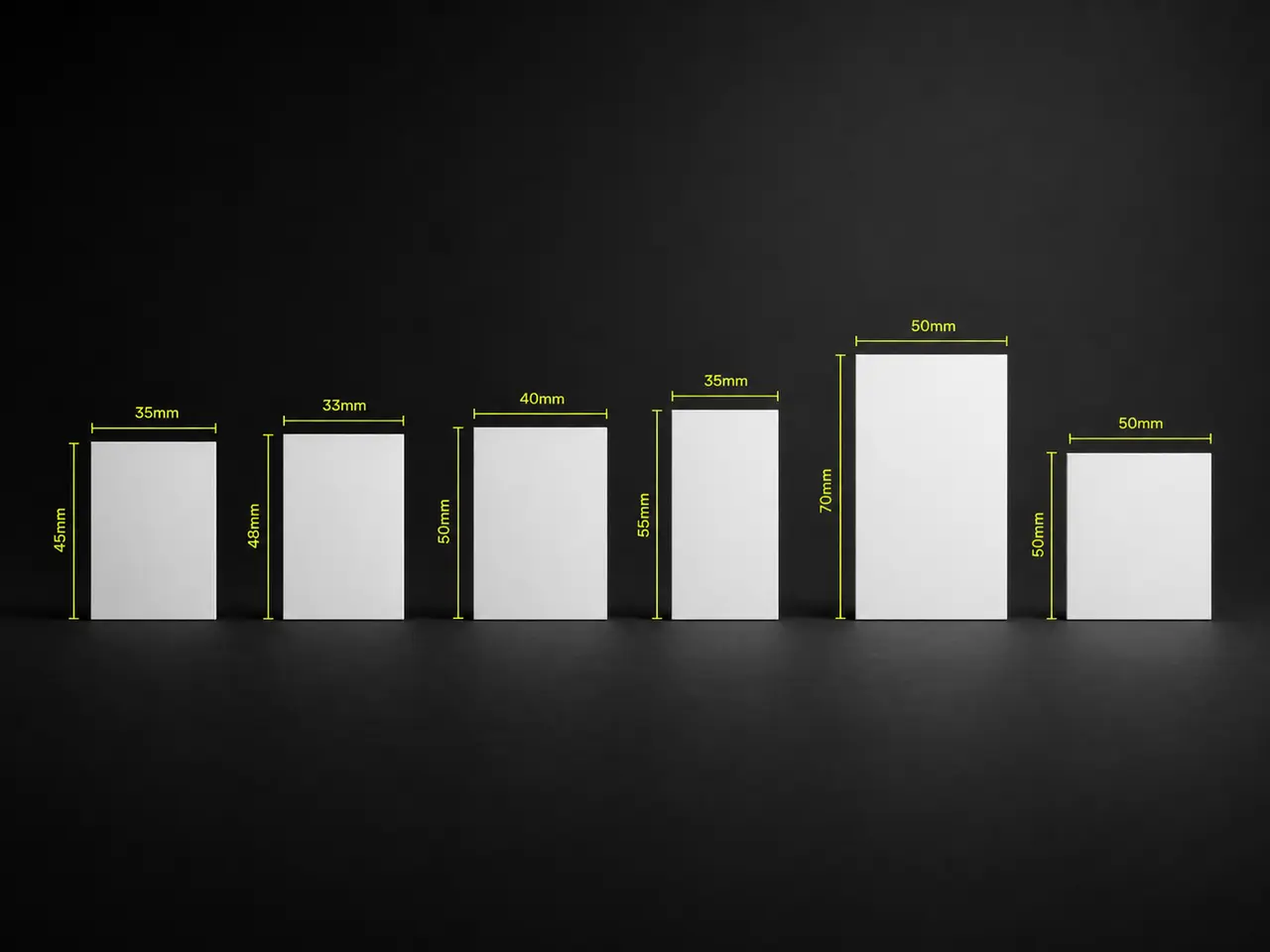
Each passport photo size below is computed at 300 DPI, the resolution nearly every photo specification assumes. Printed at that density, the pixel dimensions match the stated physical size.
United States - 2 × 2 in
600 × 600 pixels. Used for the US passport and most US visa applications, and unusual among major formats for being square. The State Department writes the size as 2 × 2 inches (51 × 51 mm).
Schengen, UK, Australia, Korea - 35 × 45 mm
413 × 531 pixels. The most widely used format in the world, shared across the Schengen area, the UK, Australia, New Zealand and Korea. The frame is the same everywhere; the required face height is not — Schengen asks for 32–36 mm and the UK for 29–34 mm, so check the head guides against your own authority.
India - 35 × 45 mm
413 × 531 pixels. Passport Seva moved to this ICAO size on 1 September 2025; the old 51 × 51 mm square is no longer an Indian passport size and survives only for OCI cards. India asks for a notably larger face than Schengen in the same frame — 36–38 mm rather than 32–36 mm.
China - 33 × 48 mm
390 × 567 pixels. Narrower and taller than the Schengen format.
Canada - 50 × 70 mm
591 × 827 pixels. The largest of the common formats, and the one most often submitted at the wrong size.
CV and résumé photos
35 × 45 mm for European applications and 30 × 40 mm for a Japanese rirekisho, both included alongside the document formats.
What a passport photo size tool does and does not do
Plenty of sites promise a guaranteed-accepted passport photo. No software can promise that, and it is better to be straightforward about where the line is.
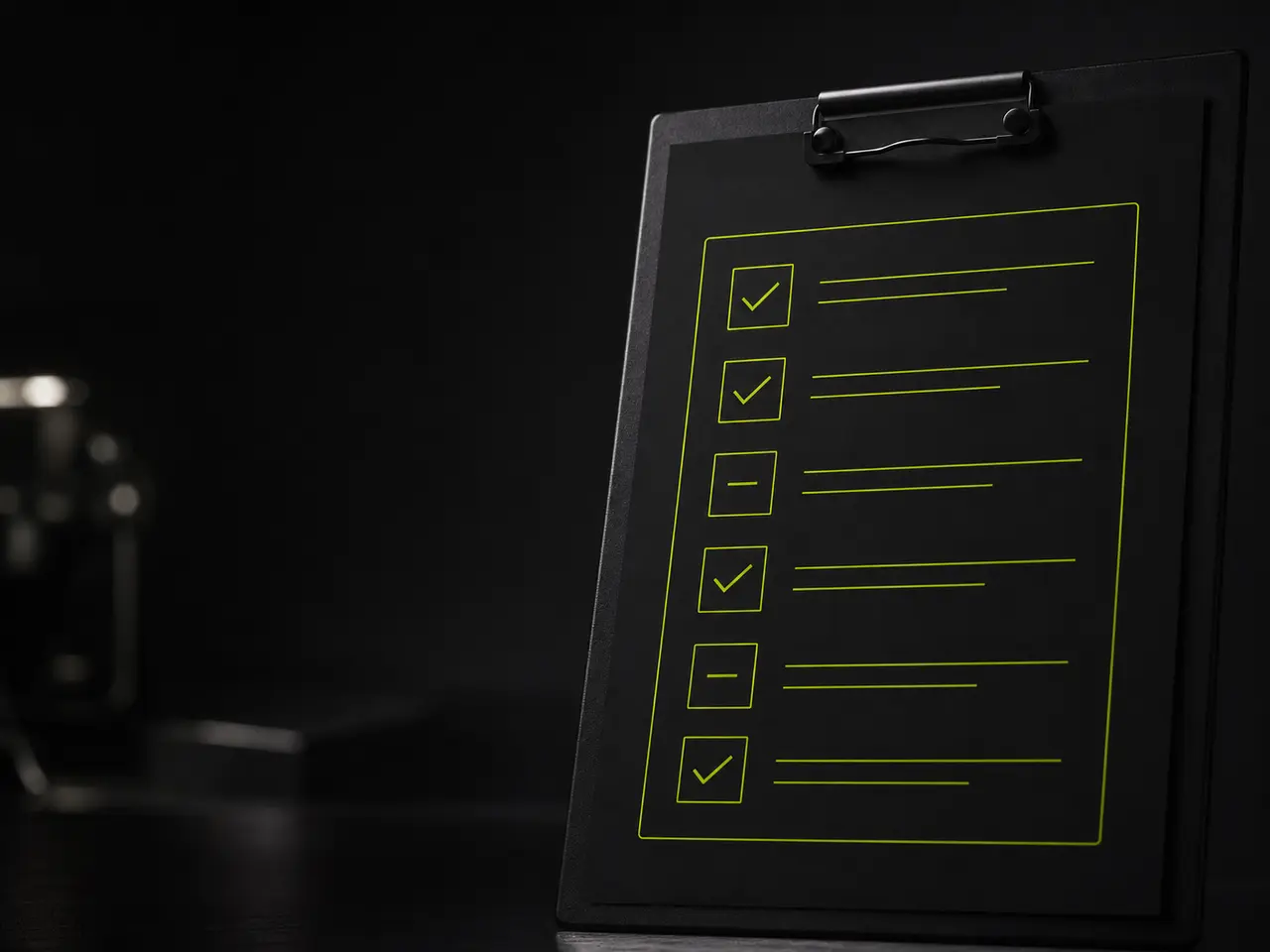
The rules behind the guides
Who Uses This Passport Photo Size Tool?
Applicants, parents, photographers, and print shops use this tool to crop an existing portrait to a published dimension; it does not verify pose, lighting, background, recency, or acceptance.
Head size within the frame
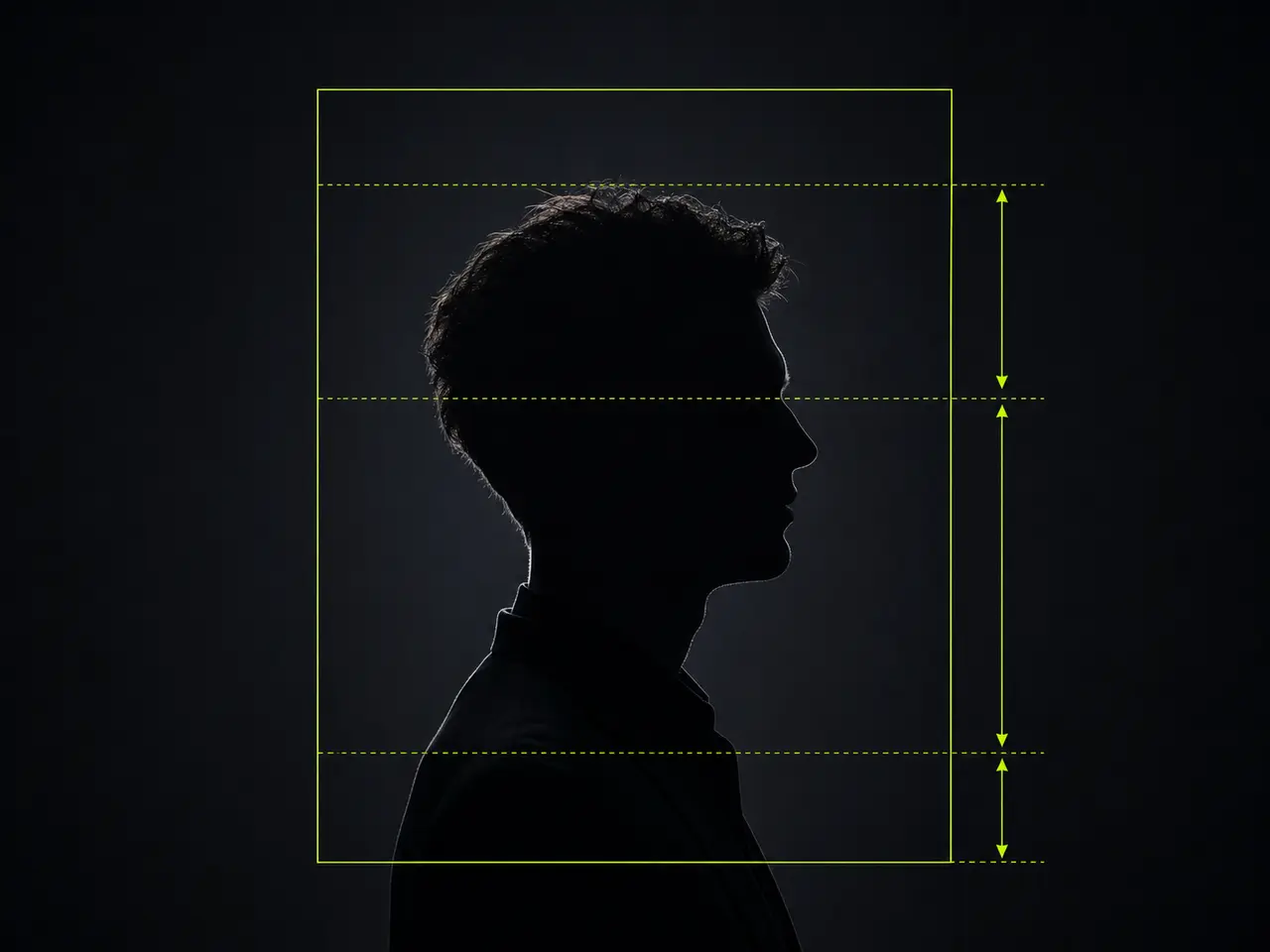
There is no single band: each authority publishes its own. The US wants 25–35 mm of crown-to-chin in a 51 mm frame, Schengen 32–36 mm in a 45 mm frame, India 36–38 mm in the same frame, China 28–33 mm and Canada 31–36 mm. The tool draws the band for the format you pick, not an average of them.
Eyes in the upper half
Most specifications put the eye line in the upper half of the frame — the US, for example, between about 55% and 70% of the way up from the bottom edge. The shaded strip shows the range for the selected format.
Plain, light background
Off-white or light grey, evenly lit, with no shadow cast behind the head. Pure white is often accepted but can make light clothing disappear.
Neutral expression, mouth closed
Most authorities require a neutral face and both eyes open. Some now explicitly reject smiling, because it interferes with facial recognition.
Full face, looking straight ahead
Square to the camera, nothing covering the face, and hair clear of the eyes.
Recent and unretouched
Usually taken within the last six months, with no filters or digital alteration of your features.
Aligning Your Photo
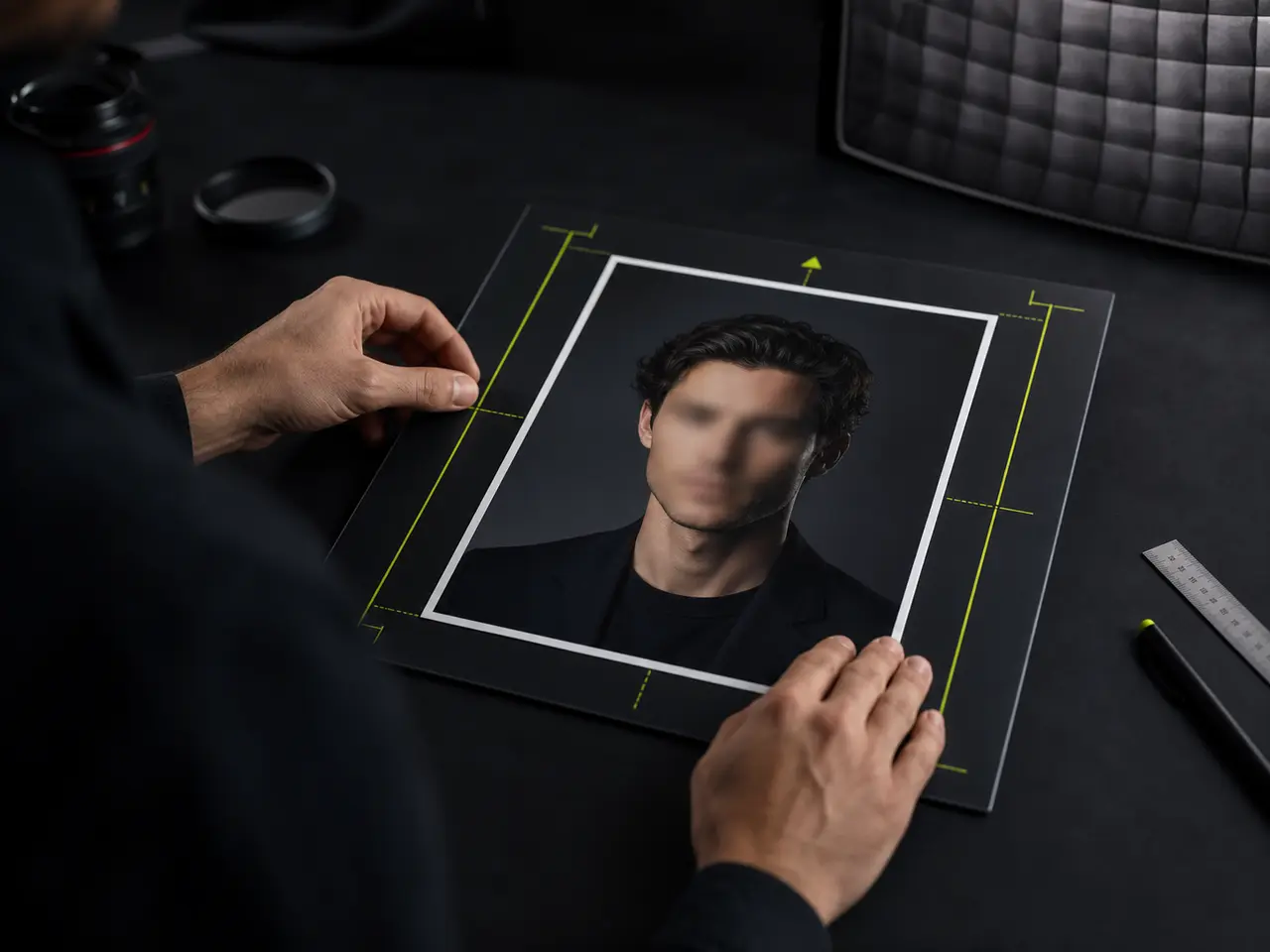
Choose your format
Pick your country from the ID and travel group. The frame changes to that exact shape and the guides appear over it.
Line up the head band
Drag and zoom until the crown of your head sits below the upper dashed line and your chin above the lower one.
Check the eye line
Your eyes should fall inside the shaded strip. If getting them there pushes your head outside the band, the source photo is cropped too tightly to use.
Export at the required size
JPEG is the safer choice for government portals, which frequently cap the file size. The button states the exact pixel dimensions you are downloading.
Nowhere. It Stays in Your Browser.
An identity document photo is about as sensitive as a personal file gets. It should not be casually uploaded to a free website in exchange for a crop.
What it does
A Precise Ruler for Document Photos
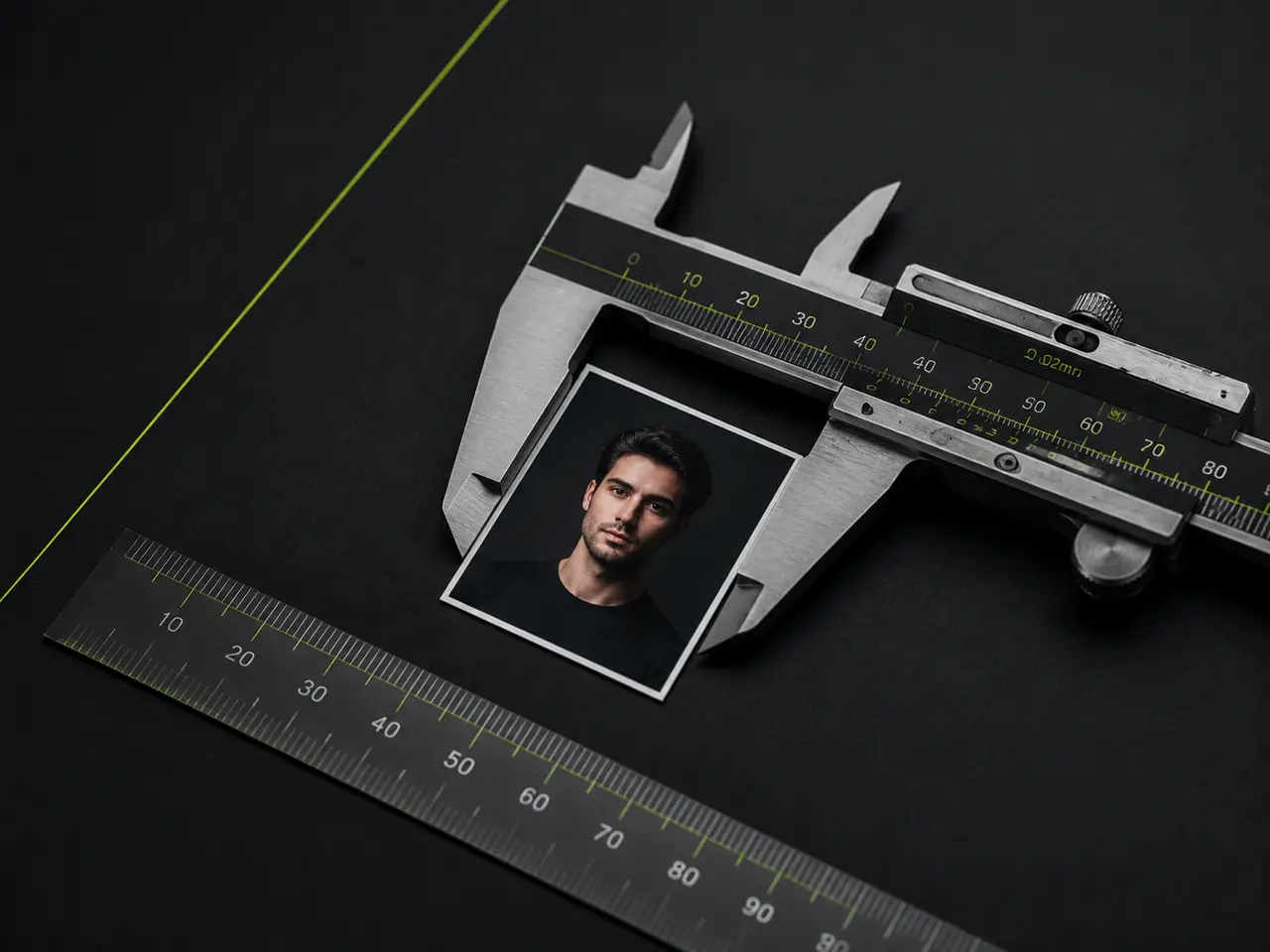
Exact pixels at 300 DPI
Physical millimetres converted correctly, so a printed copy measures what it should.
Head and eye guides
Drawn over the preview and never written into the exported file.
Off-white background fill
For when the source photo needs padding rather than cropping to reach the right shape.
JPEG output
For the many government portals that will not accept anything else.
No account or payment
Including no charge to remove a watermark, because there is no watermark.
Every other size too
The same tool covers LinkedIn, Slack, CV photos and print, if you need those next.
The Avoidable Mistakes
Dimensions are the one cause you can eliminate completely before submitting. These are the others worth checking.
Cropping too tightly
The most common error. A photo cropped close to the hairline cannot satisfy a head-height rule, and padding it out leaves an obvious border rather than a valid photo.
A shadow on the background
Standing close to a wall throws a shadow behind your head, which reads as a non-uniform background. Move further from the wall.
Using a phone photo taken from too close
A short lens distance enlarges the nose and narrows the ears. Step back and zoom in instead - or generate a portrait shot at a realistic focal length.
Upscaling a small image
Enlarging a 300-pixel photo to 600 produces a soft result that a checker can spot immediately. Start from the largest original you have.
Passport Photo Questions
Passport photo size, document rules and common rejection reasons
Right Size, Wrong Photo?
If the photo itself is the problem - harsh light, a cluttered room, a phone held too close - no crop will fix it. Upload a few selfies and get a clean, evenly lit portrait to size instead.
