
Drop a photo here, or
Nothing is uploaded.
Shown as a circle - keep your chin and hair inside it.
Lossless. Best for uploads that get re-compressed anyway.
Right size. Now the right photo.
Resizing fixes the dimensions. If the photo underneath is a phone selfie in a kitchen, it will be a correctly sized phone selfie in a kitchen. Upload a few and get a studio headshot back.
Create a professional headshot →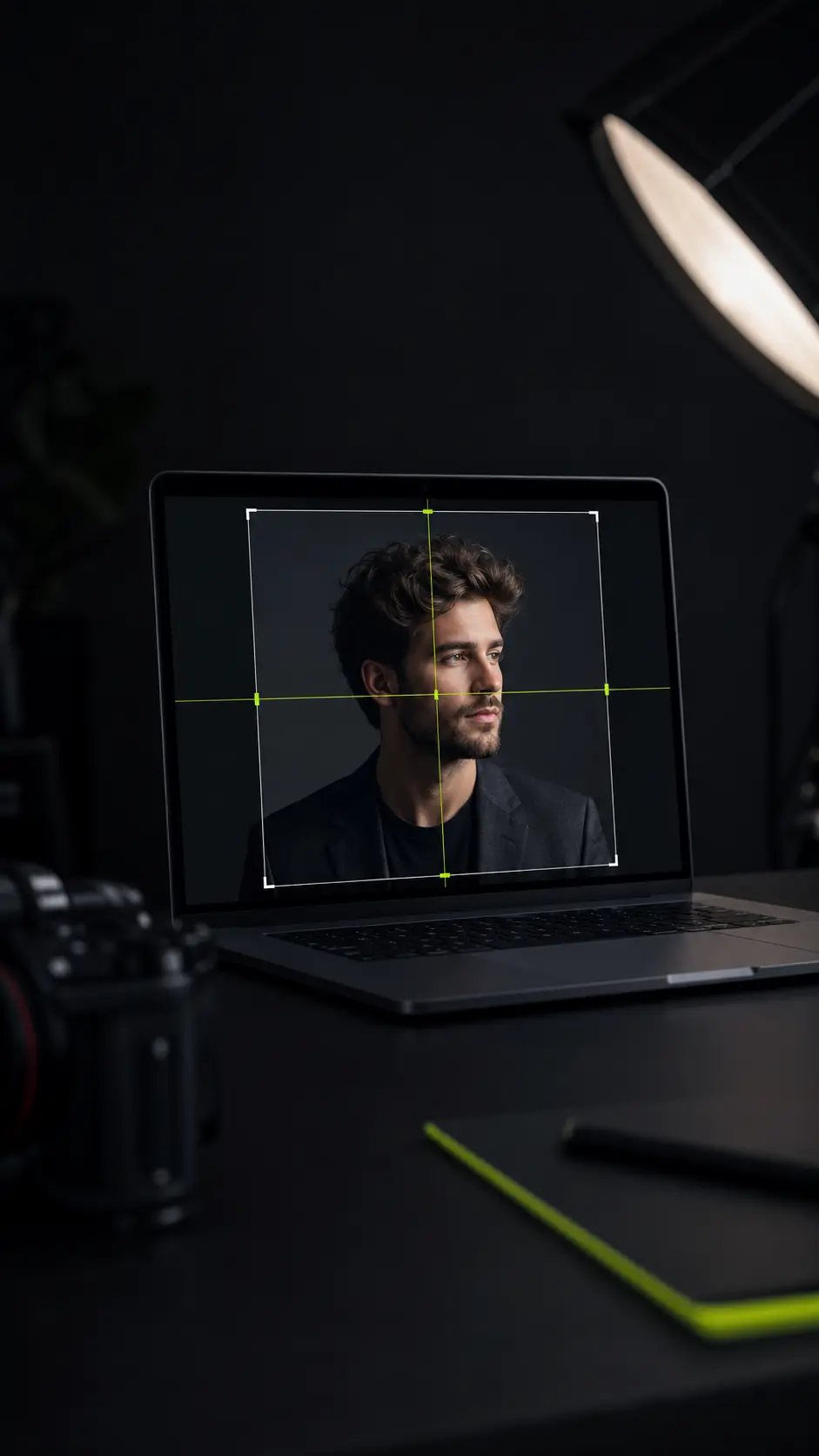
A free headshot resizer for every profile size
LinkedIn wants a square, your passport office 35 × 45 mm. This headshot resizer sizes for both - free, nothing uploaded.
The Sizes People Actually Ask For
Every preset here is a real requirement someone has been asked to meet, not a round number. Dimensions are set slightly above each platform's stated minimum, because every one of them re-compresses on upload - hand over a file at the exact minimum and what people see is below it.
Social profiles
LinkedIn, X, Instagram, Facebook, YouTube, GitHub and Discord. Almost all are shown as a circle, so the tool draws the circle the platform will crop to.
Work tools
Slack, Teams, Zoom, email signatures, company team pages, speaker and press-kit portraits.
Résumé and CV
35 × 45 mm for European applications, 30 × 40 mm for a Japanese rirekisho, and a plain square where the form does not specify.
ID and travel documents
US 2 × 2 in, Schengen, UK and India 35 × 45 mm, China 33 × 48 mm, Canada 50 × 70 mm - each with its own head-position guides drawn over the frame.
4 × 6, 5 × 7 and the 8 × 10 that actors and models are asked for, all at 300 DPI.
Anything else
Type an exact pixel width and height. The tool tells you the closest ratio to generate at if you want a new photo to match.
Your Photo Never Leaves This Page
Most free image tools upload your file to a server, process it there, and give you a link. That is a copy of your face on someone else's disk, governed by a privacy policy you did not read. This tool does not work that way.
The one real decision
Crop to Fill, or Fit the Whole Photo
A photo almost never has the same shape as the box it is going into. There are only two honest ways to resolve that, and the right one depends on what you care about keeping.
Crop to fill
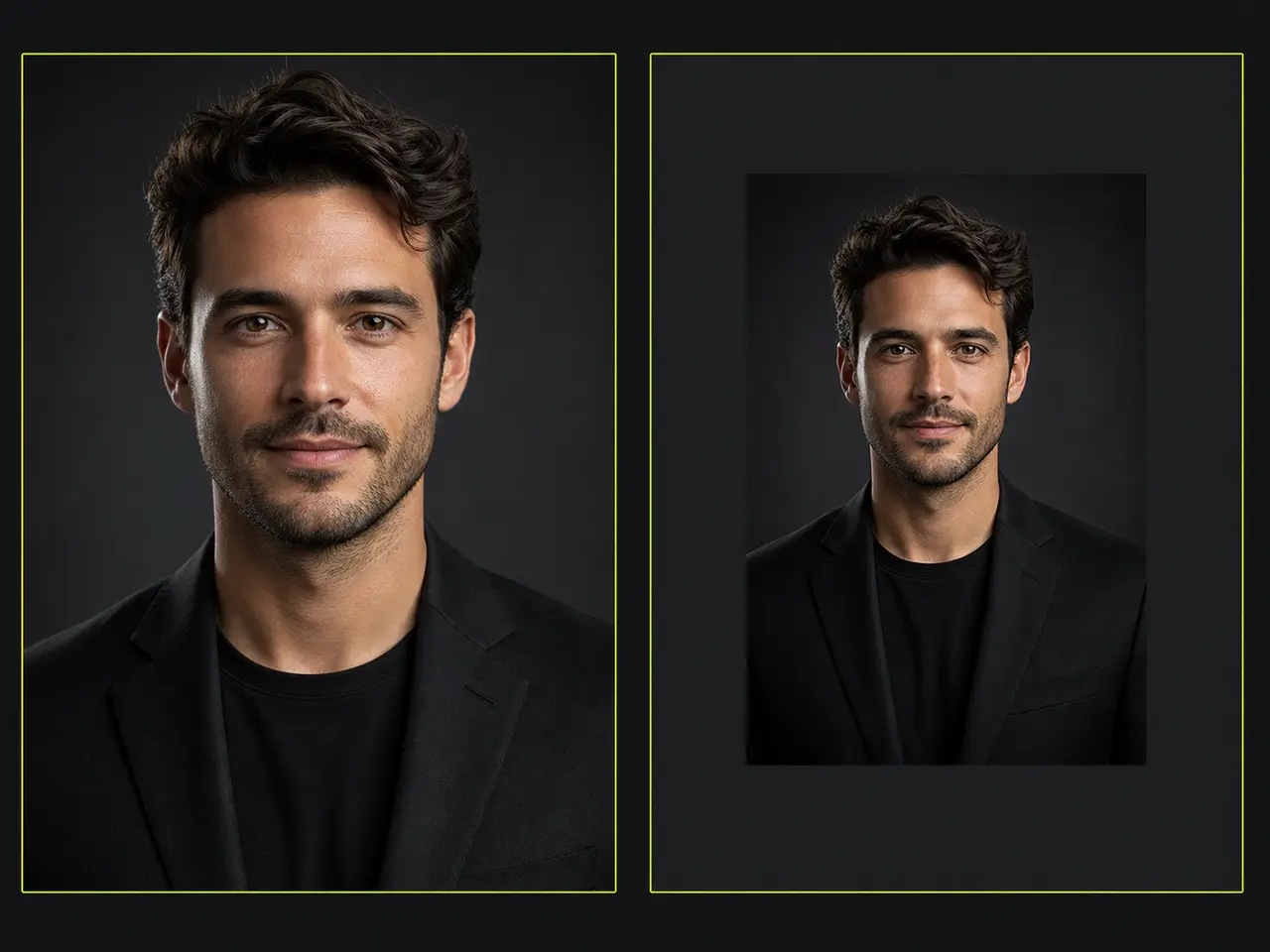
The photo covers the whole frame and whatever falls outside is trimmed. Best for profile pictures, where a background band would look like a mistake. You keep the framing; you lose the edges.
Fit the whole photo
The entire image is kept and the leftover space is filled with a colour you choose. Best when the crop would cut into hair, chin or shoulders - a wide group shot going into a square, for example. You keep everything; you gain a border.
Choosing the background colour
Off-white rather than pure white for document photos, because a white shirt against pure white loses its outline. Match the page for a website, and use the picker for a brand colour.
Four Steps, About Twenty Seconds
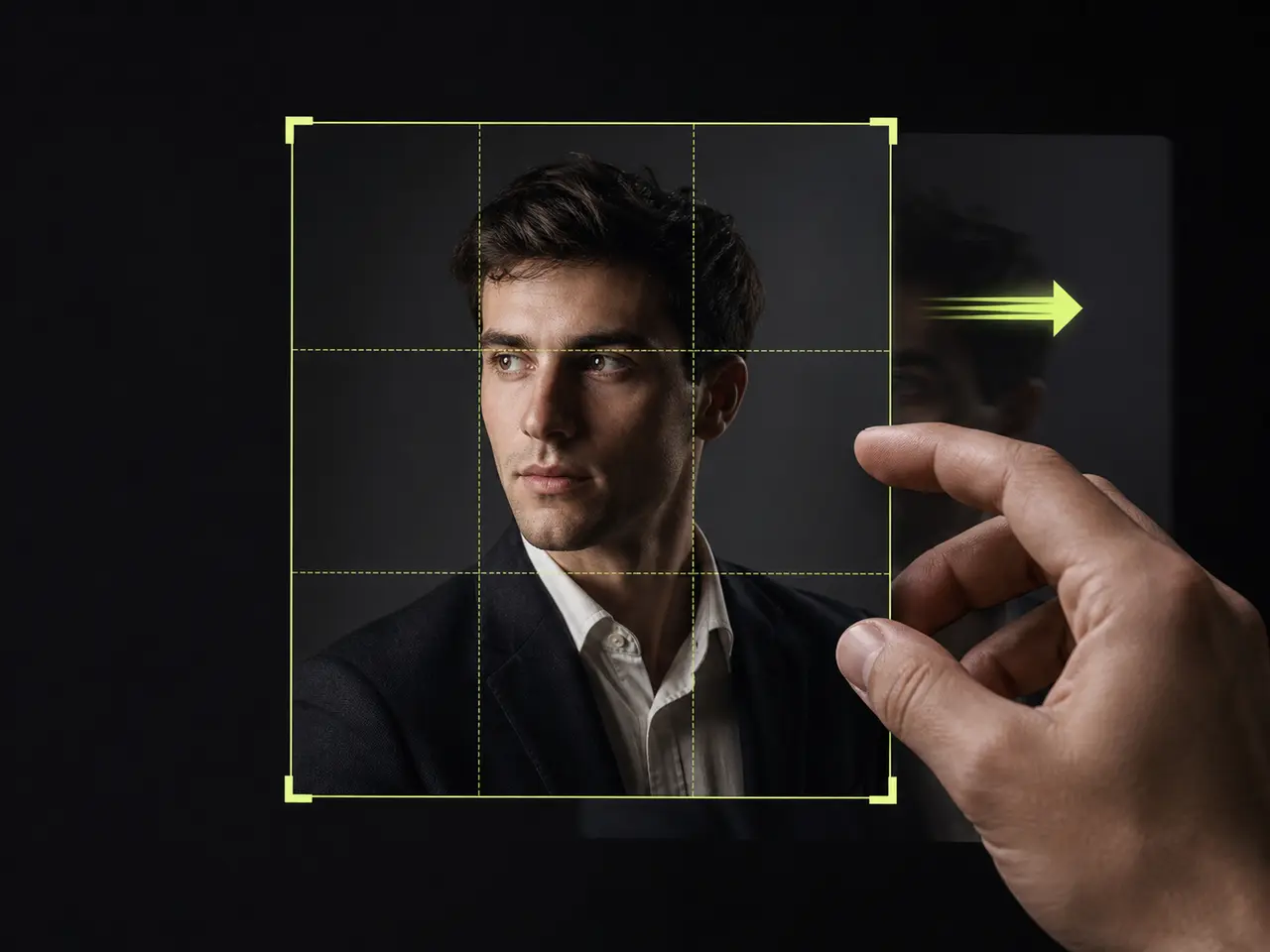
Add your photo
Drag it onto the frame or choose a file. JPEG, PNG and WebP all work, at any size.
Pick where it is going
Choose the destination from the list, or type exact pixel dimensions. The frame changes shape to match immediately.
Position your face
Drag the photo and use the zoom slider. Arrow keys nudge it a pixel at a time if you need to be precise, and the overlay shows exactly what the platform will crop away.
Download
PNG for uploads, JPEG where a portal demands it. The file is exactly the dimensions shown on the button.
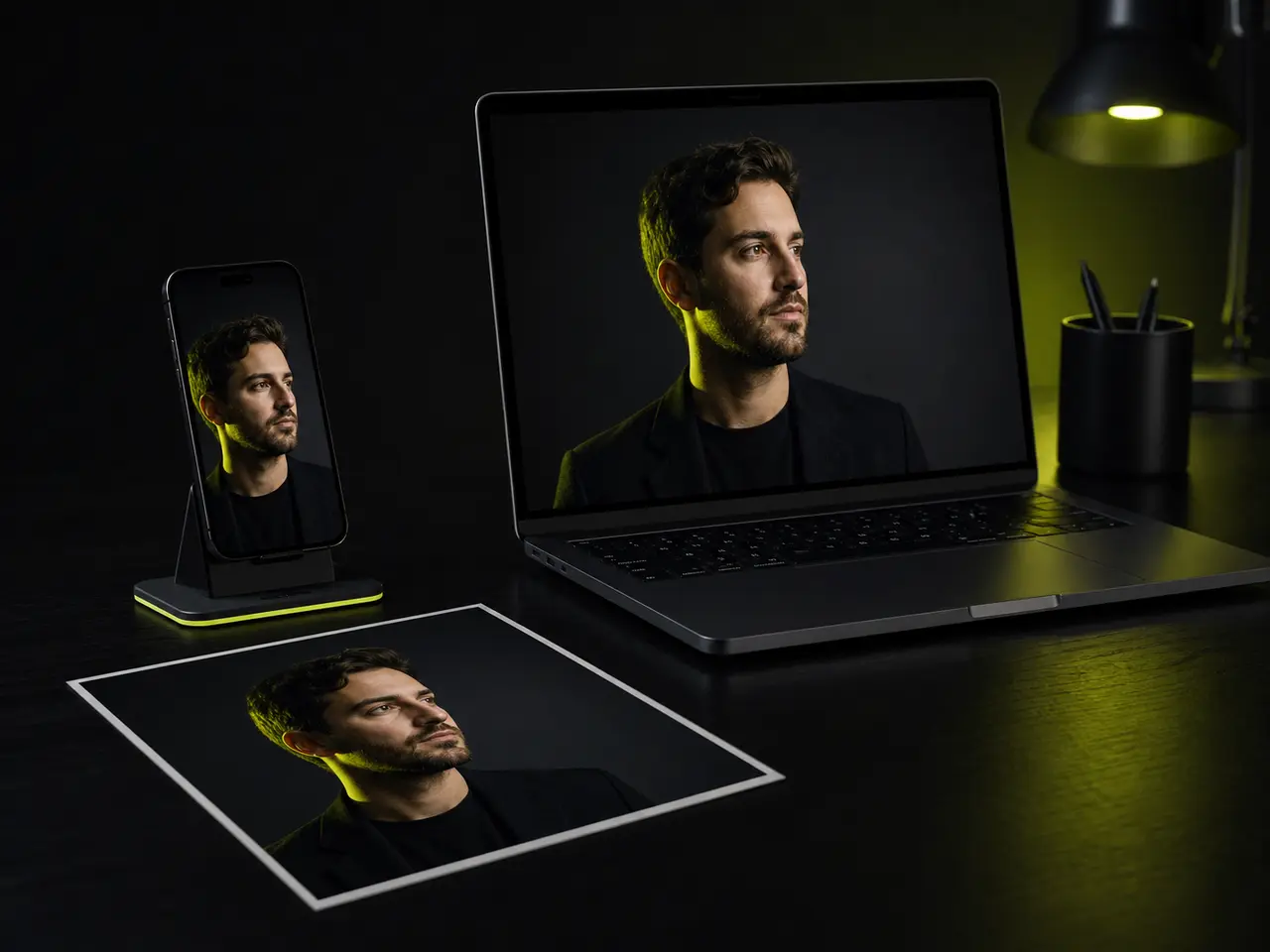
What This Is Usually For
Almost always a form that has just rejected a file.
A new job, and LinkedIn looks wrong
A photo cropped for a rectangle looks fine in a feed and loses its chin inside LinkedIn's circle. The circle overlay makes that visible before you upload rather than after.
A visa portal that rejects everything
Government upload forms tend to enforce exact pixel dimensions and reject anything else without explaining which rule failed. Starting from the correct size removes one whole category of rejection.
A conference asking for a square headshot
Speaker forms usually want a large square, and the only photo you have is a portrait crop from a work event.
A team page where everyone else matches
One person's photo in a different shape is the thing people notice about a team grid.
A CV for a country that expects a photo
Applications across much of Europe and Asia include one, at a size the form specifies in millimetres rather than pixels.
A print order at the wrong resolution
Print is measured in inches at 300 DPI. The print presets do that conversion so an 8 × 10 is genuinely 2400 × 3000.
What it does
A Small Tool That Does Its Job Properly
No sign-up wall, no watermark, no queue.
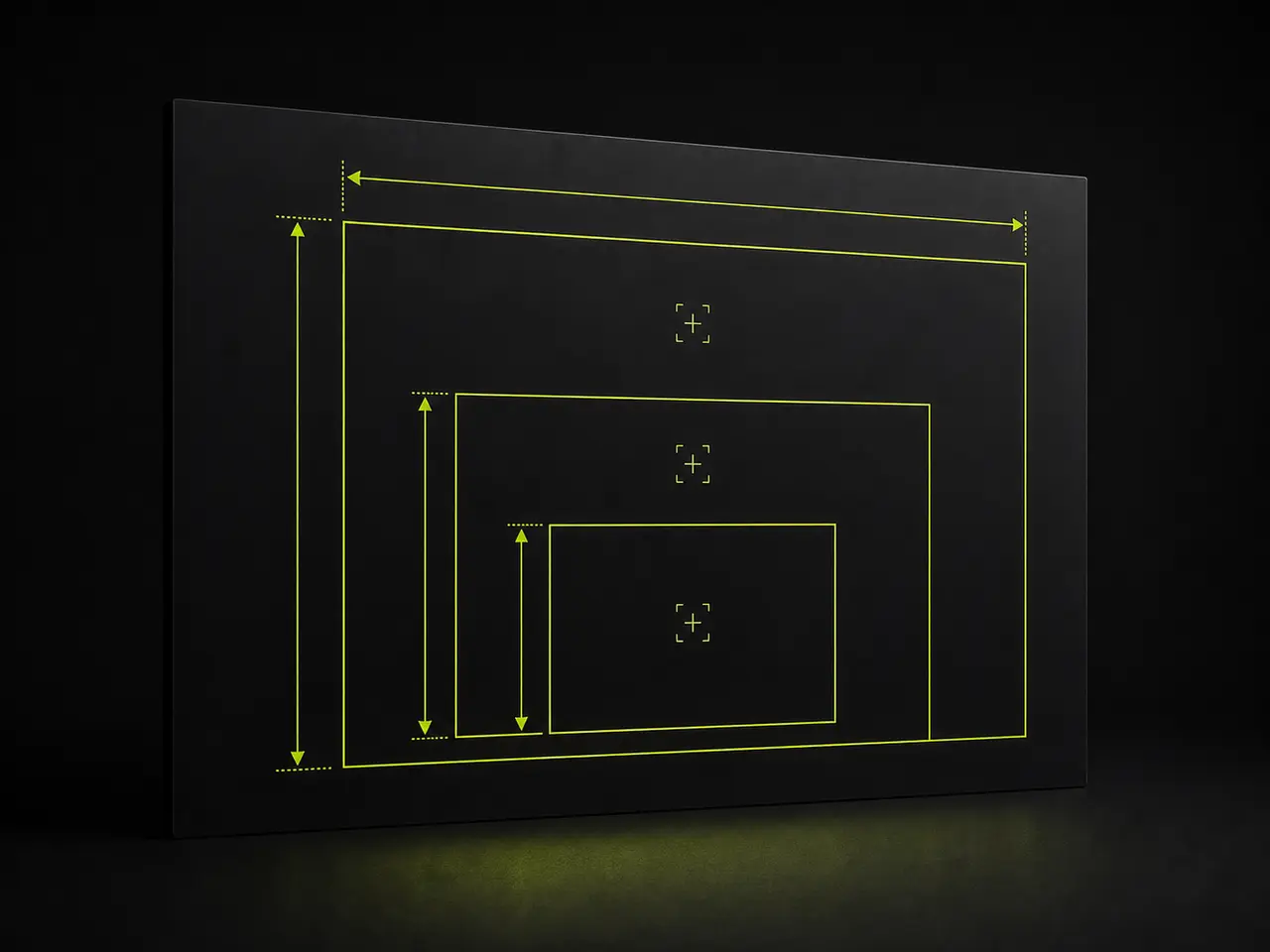
Exports at full resolution
The canvas renders at the output size, not the preview size, so nothing is upscaled on the way out.
Platform crop overlays
Circle, rounded square, or document alignment guides - drawn over the frame and never baked into the file.
Keyboard and touch
Drag on a phone, arrow-key nudge on a desktop. Every control is reachable without a mouse.
Custom dimensions
Any size from 16 to 8000 pixels, with the closest generation ratio shown alongside.
PNG or JPEG
Lossless where it helps, compressed where a portal insists on it.
Free, permanently
It runs on your device, so there is no cost for us to pass on.
Resizing Cannot Fix Everything
It is worth being clear about what changing dimensions can and cannot do to a photo.
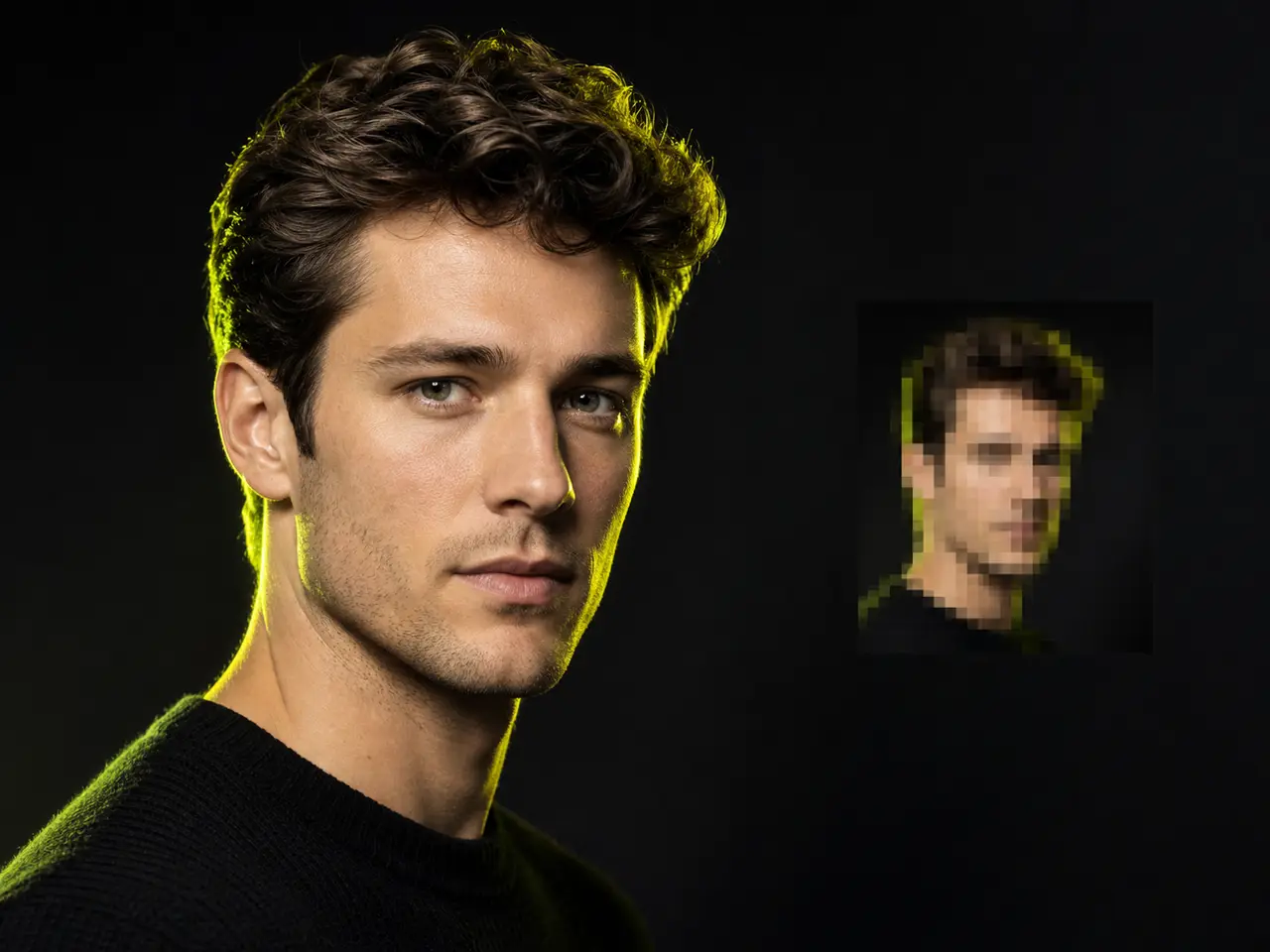
Start larger than you need
Cropping down from a big photo keeps detail. Enlarging a small one invents it, and it shows around eyes and hair. If you have the original rather than a messaging-app copy, use the original.
Leave room around your head
Especially for document photos, which specify how much of the frame your head must occupy. A photo already cropped tight to the hairline cannot be padded back into compliance convincingly.
A resize is not a retouch
Harsh overhead light, a cluttered background and a phone-lens perspective all survive the crop intact. Those need a different photo, not a different size.
Headshot Resizer Questions
Sizes, crops and where the file goes
The Size Was the Easy Part
Upload a few selfies and get studio-quality headshots back - correctly lit, properly framed, and in whichever ratio you need. Then come back here to fit them to every platform you use.
