
Pick a headshot background
Upload checked source photos, then pair your portrait with a studio, office, outdoor, or brand-colour backdrop.
1 · Your pack
This sets how many headshots you get and how many different looks you can choose.
2 · Your photo
3 · Your look
0 of 1 look chosen
Nothing chosen yet - we'll spread your shoot across a varied set of 1 look. Pick your own above to decide for yourself.
4 · Confirm and create
How we process and delete your photos
Loading the notice…
Nothing uploads until you press Create. Your photos are automatically deleted under the retention policy.
Images rejected by likeness scoring are removed and their credits are restored. Eligible purchase refunds follow the Refund Policy.
Loading your headshot workspace…
Choose a headshot background without re-shooting
Studio, office, outdoor, or your own branded backdrop: swap the headshot background on any delivered image without re-uploading.
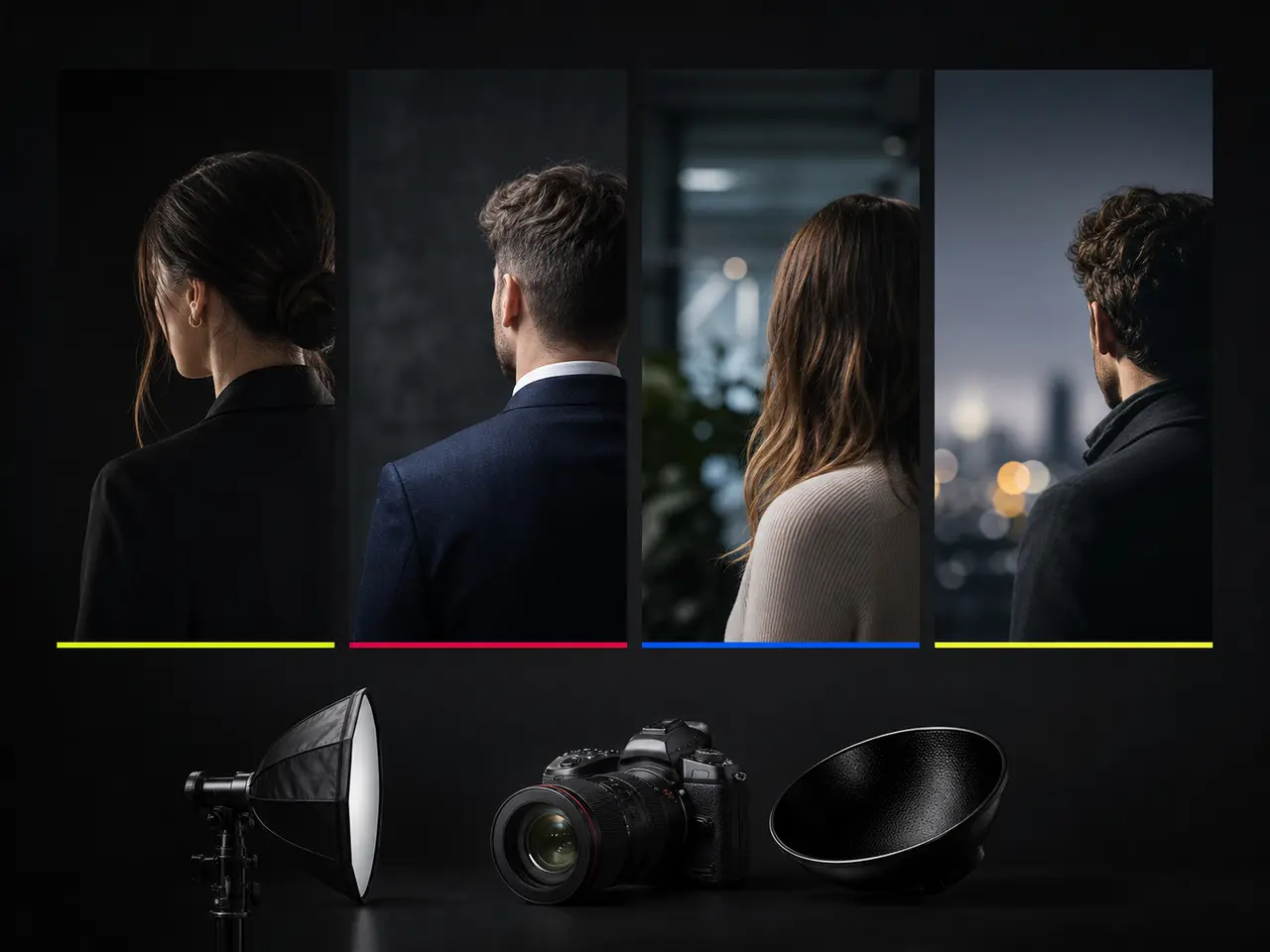
Four Families of Headshot Background
Background choice changes how formal, how approachable, and how on-brand a headshot reads - often more than wardrobe does.
Neutral seamless
Grey, white, charcoal, ivory, and slate. The safest choice across every industry and the easiest to composite onto a brand page.
Office and interior
Warm library, glass office, open plan, boardroom, and concrete loft - softly blurred so nothing competes with your face.
Outdoor
Urban blur, park green, rooftop golden hour, brick, campus, and waterfront for a warmer, more approachable feel.
Bold colour
Navy, teal, burgundy, forest, sand, and graphite for brand-aligned portraits that stand out in a grid.
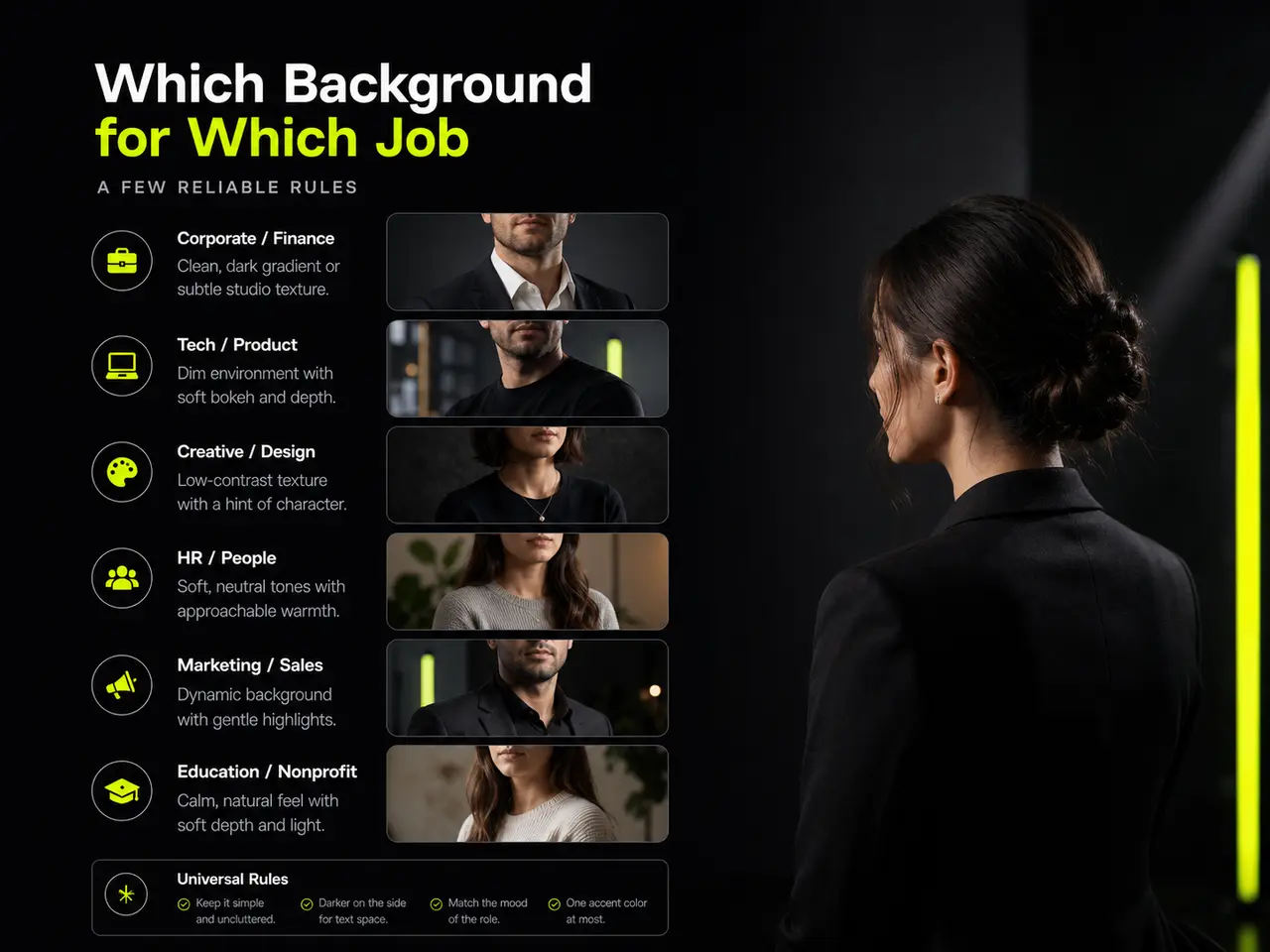
Which Headshot Background for Which Job
A few reliable rules.
Neutral grey for anything uncertain
If you do not know where the photo will end up, seamless grey works everywhere and never looks wrong.
Office interiors for corporate pages
A blurred professional setting suggests context without the distraction of readable detail.
Outdoor for approachability
Real estate, coaching, healthcare, and client-facing roles benefit from a warmer, less clinical feel.
Brand colour for team grids
A single bold colour across a whole team page is instantly recognisable and looks deliberate.
Changing a Background Afterwards
The background is the thing people most often want to change once they see the result.

Standardising a Team Backdrop
Organisation admins can lock approved catalogue styles so every member generates against the same visual direction.
Choose an approved backdrop
Select a professional catalogue backdrop that fits the organisation's brand and use case.
Lock the style
Members see only the backdrop and outfit combinations the organisation has approved.
Assign it to a team
Lock it as the company style, or set different backdrops per department.
Everyone generates against it
Existing members and new hires alike land on the same branded background.
Use Photos With Clean Edges and Clear Lighting
Backgrounds are replaced entirely, but how cleanly they replace depends on what the model can separate from what. These four make that separation easy.

Stand away from the wall behind you
A metre of separation lets light fall off behind you, which gives your outline a clean edge. Pressed against a wall, your hair and shoulders merge into it, and every replacement backdrop inherits that soft, smeared boundary.
Avoid a background that matches your hair
Dark hair against a dark doorway is the hardest edge there is to resolve. A plainer, lighter surface behind you in the source photo produces noticeably cleaner cut-outs on every backdrop you then choose.
Front light, and not much of it behind
A window in front of you lights the face; a window behind you lights the background and turns you into a silhouette. Silhouettes carry almost no edge detail, and the resulting composite reads as pasted on.
Keep flyaway hair and hoods out of it
Wispy strands and fur-lined hoods are the two things that consistently break the boundary between subject and backdrop. Tidy hair and a plain collar in the source produce edges that hold up against a bold brand colour.
Background Features
What you can do with backdrops here.
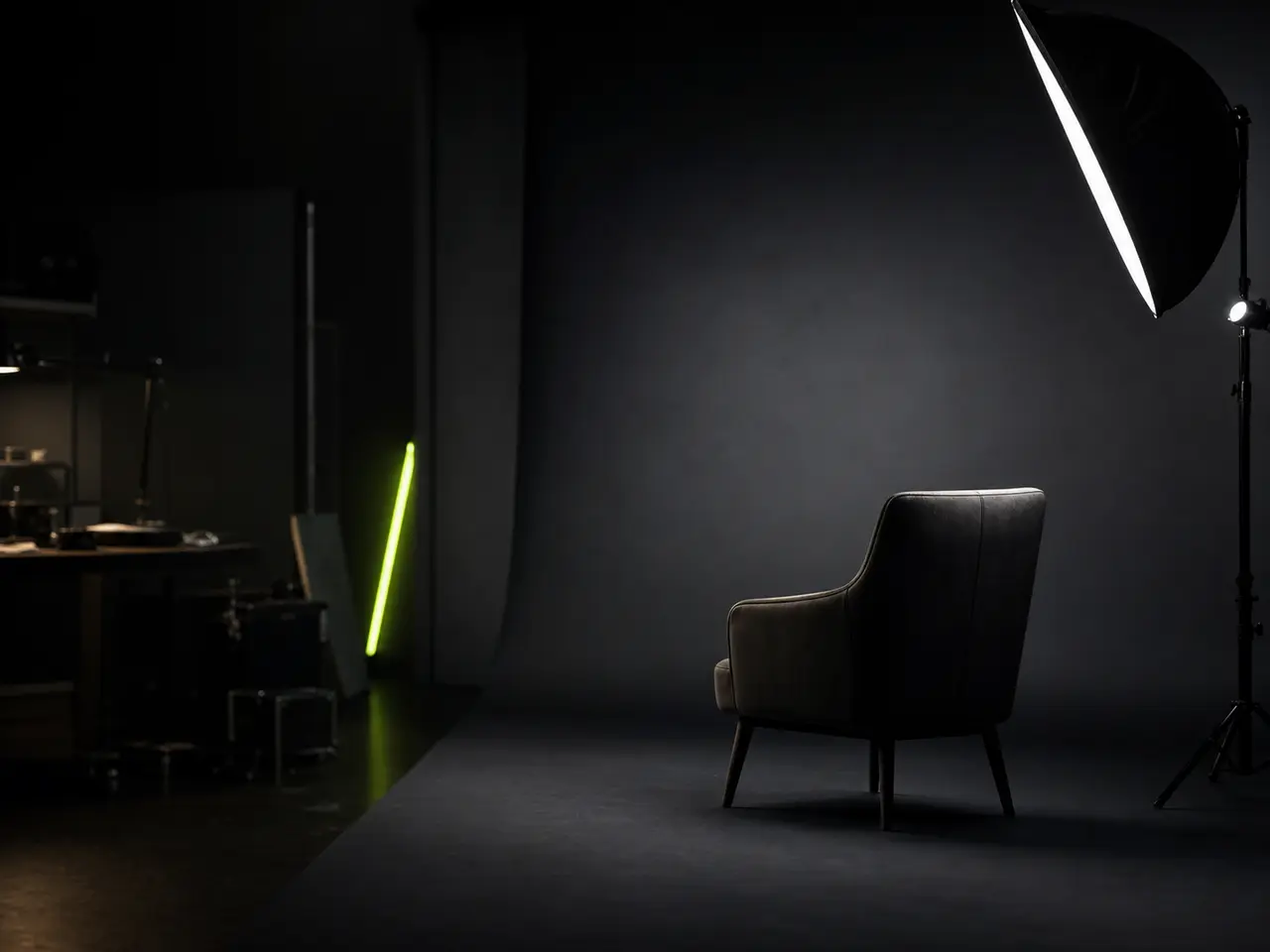
Curated backdrop library
Studio, office, outdoor, and bold-colour families, sorted with the most-used first.
Backdrop and outfit pairing
Each pairing is a combination you can reuse with different outfits.
Post-delivery swaps
Pick as many backdrops as your pack allows and every one is rendered from the same photos.
Custom organisation backdrops
Up to twelve private branded plates per organisation.
Department overrides
Different backdrops for different teams, each internally consistent.
Lighting matched per backdrop
Each backdrop carries its own lighting treatment so the composite looks natural.
Changing a Backdrop Does Not Keep the Original
Swapping a background still means uploading your face. That upload is biometric data, deleted on the same schedule as every other photo here.
Headshot Backgrounds in numbers
What a run costs and returns
Per run, depending on the model and length chosen.
Includes a commercial licence for what you make.
Accepted for upload, up to 5 MB per file.
On a new account, before any plan.
Background Questions
Backdrops, colours and brand kits
Backdrops are chosen inside the shoot itself - see how the AI headshot generator runs, or browse every backdrop in use.
Pick Your Headshot Background
Try several headshot backgrounds in one shoot, then change your mind afterwards for the cost of an edit.
