
Create a LinkedIn headshot
Upload a few current selfies, pass the photo check, and choose a profile-ready wardrobe and background.
1 · Your pack
This sets how many headshots you get and how many different looks you can choose.
2 · Your photo
3 · Your look
0 of 1 look chosen
Nothing chosen yet - we'll spread your shoot across a varied set of 1 look. Pick your own above to decide for yourself.
4 · Confirm and create
How we process and delete your photos
Loading the notice…
Nothing uploads until you press Create. Your photos are automatically deleted under the retention policy.
Images rejected by likeness scoring are removed and their credits are restored. Eligible purchase refunds follow the Refund Policy.
Loading your headshot workspace…
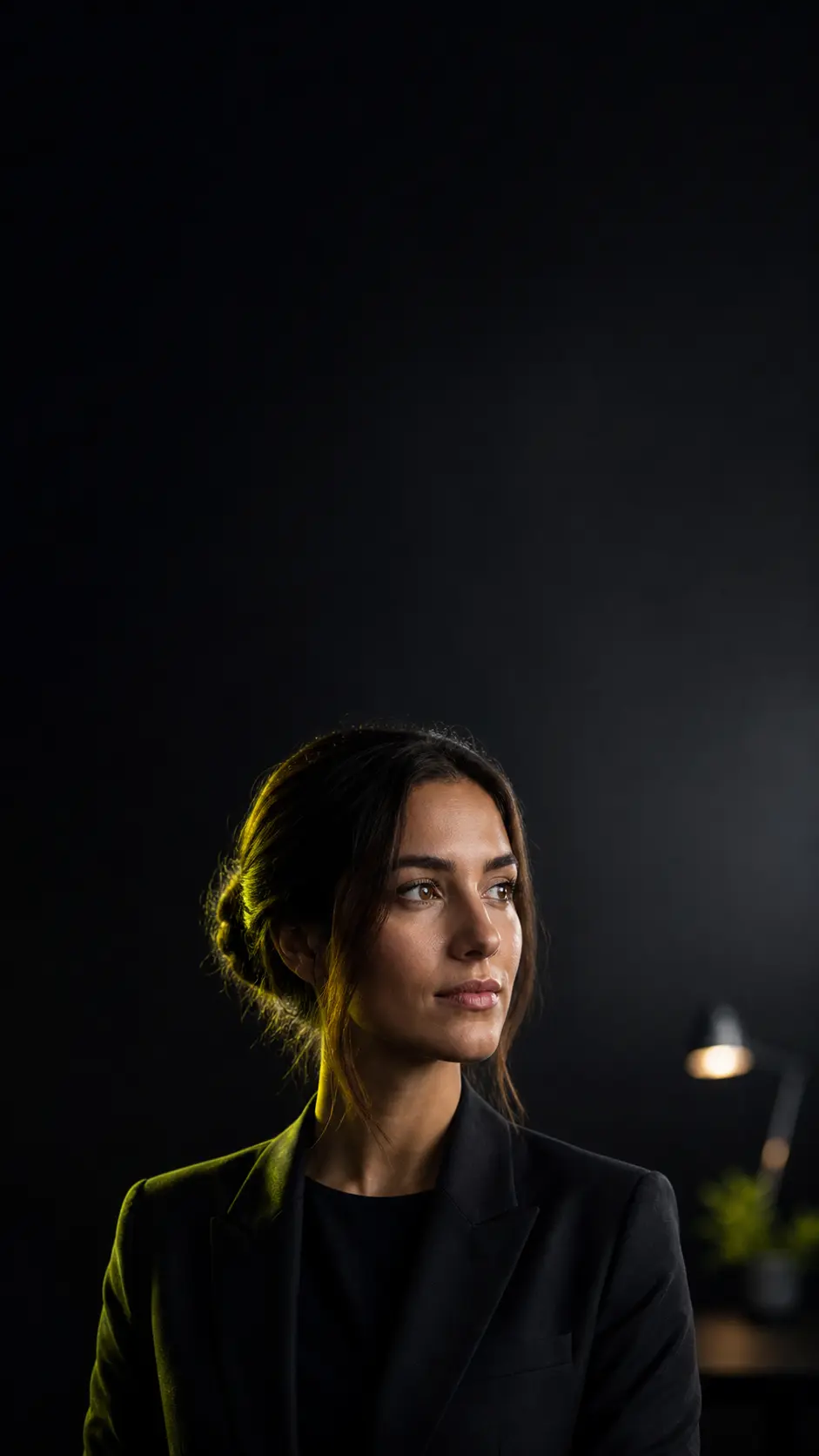
A LinkedIn headshot that holds up at thumbnail size
Recruiters see your photo in a circle barely wider than a thumbnail. Get a LinkedIn headshot built for that size.
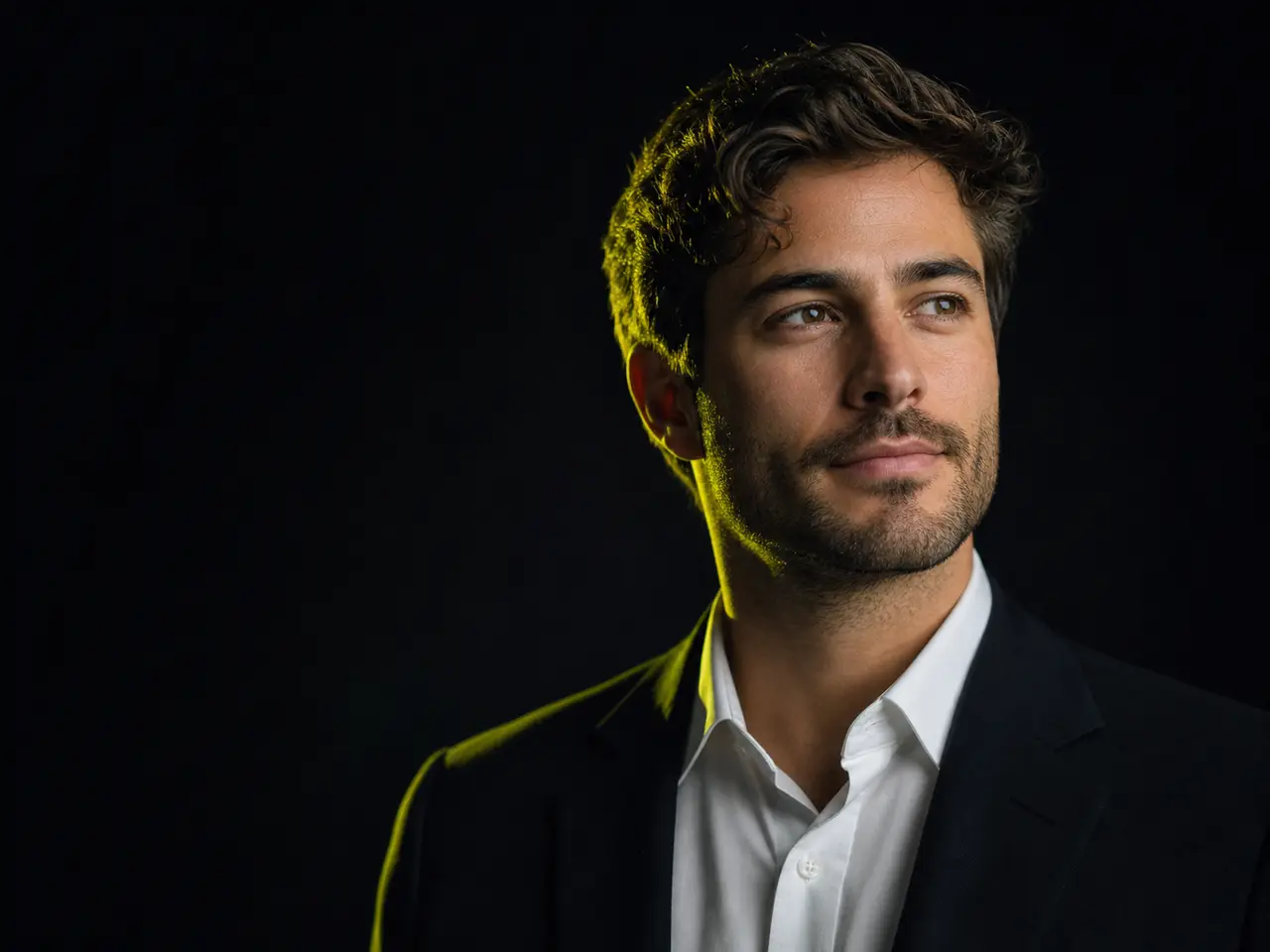
What Makes a LinkedIn Headshot Different
LinkedIn crops to a circle, renders small, and sits next to your headline. A photo that works there is not the same as a photo that works in a frame.
Cropped for the circle
One-click crops position your face correctly inside LinkedIn’s circular mask, so nothing important gets cut off at the edges.
Readable at thumbnail size
Backdrops are chosen for contrast against your face, so the photo still reads clearly at the size it actually appears in a feed.
Dressed for your industry
A suit for finance, a blazer for consulting, scrubs for healthcare, a knit for tech. The outfit signals the room you work in.
Consistent with your team
If your colleagues use the same backdrop, your profiles read as one company rather than a collection of individuals.
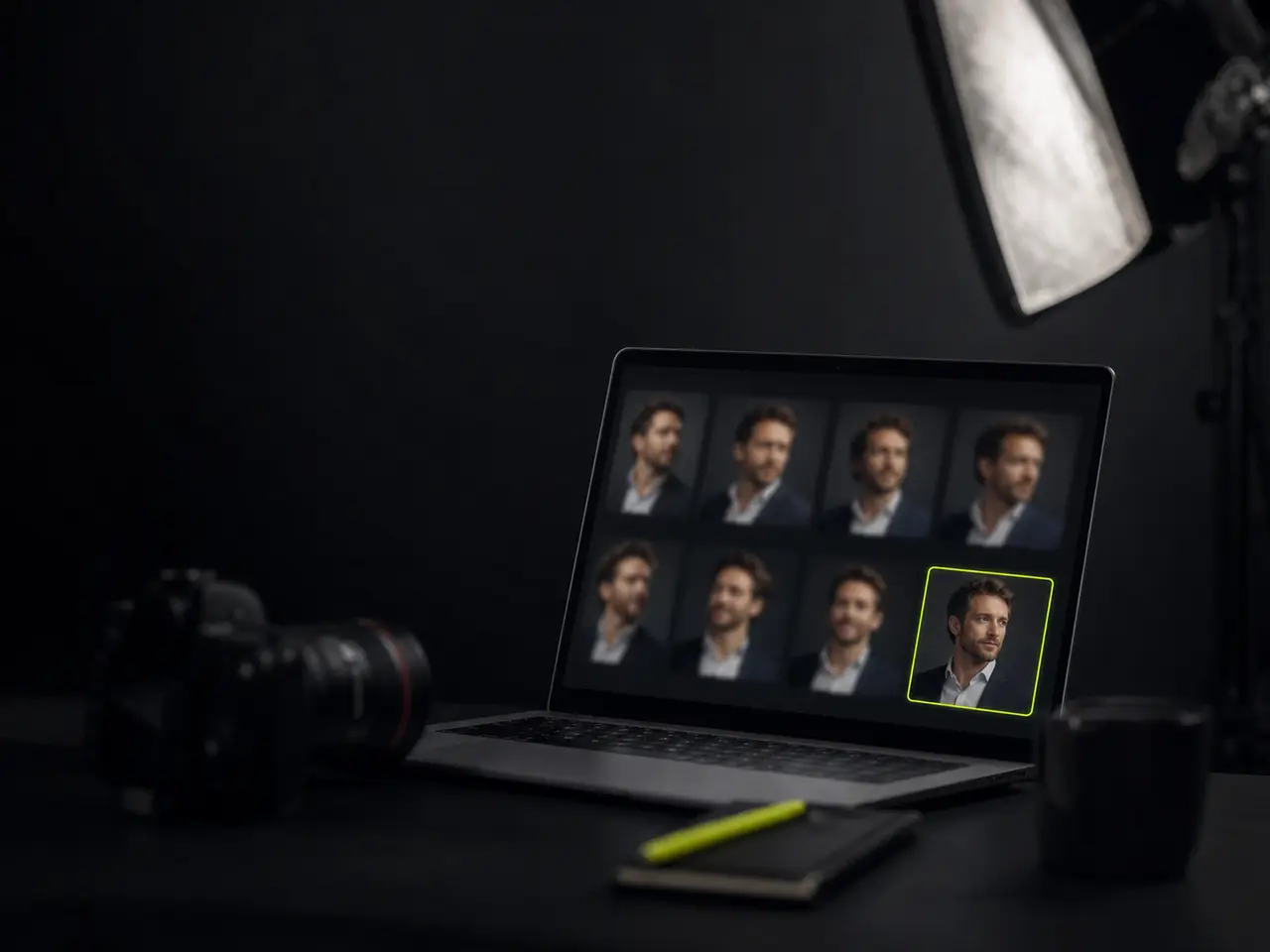
When It Is Time to Update Your Profile Photo
Most people update their LinkedIn photo years later than they should.
You are job hunting
Recruiters open your profile before your CV. A current, professional photo is the cheapest advantage in that moment.
You just changed roles
New title, new industry, new expectations about how you present. The photo should move with the role.
You are selling or fundraising
Founders and salespeople get profile-checked constantly. A cropped holiday photo undercuts an otherwise strong pitch.
Your photo is simply old
If it predates your current haircut, glasses, or decade, it is doing the opposite of building trust.
What Makes a LinkedIn Headshot Work
The patterns are consistent, and all of them are things the generator handles by default.
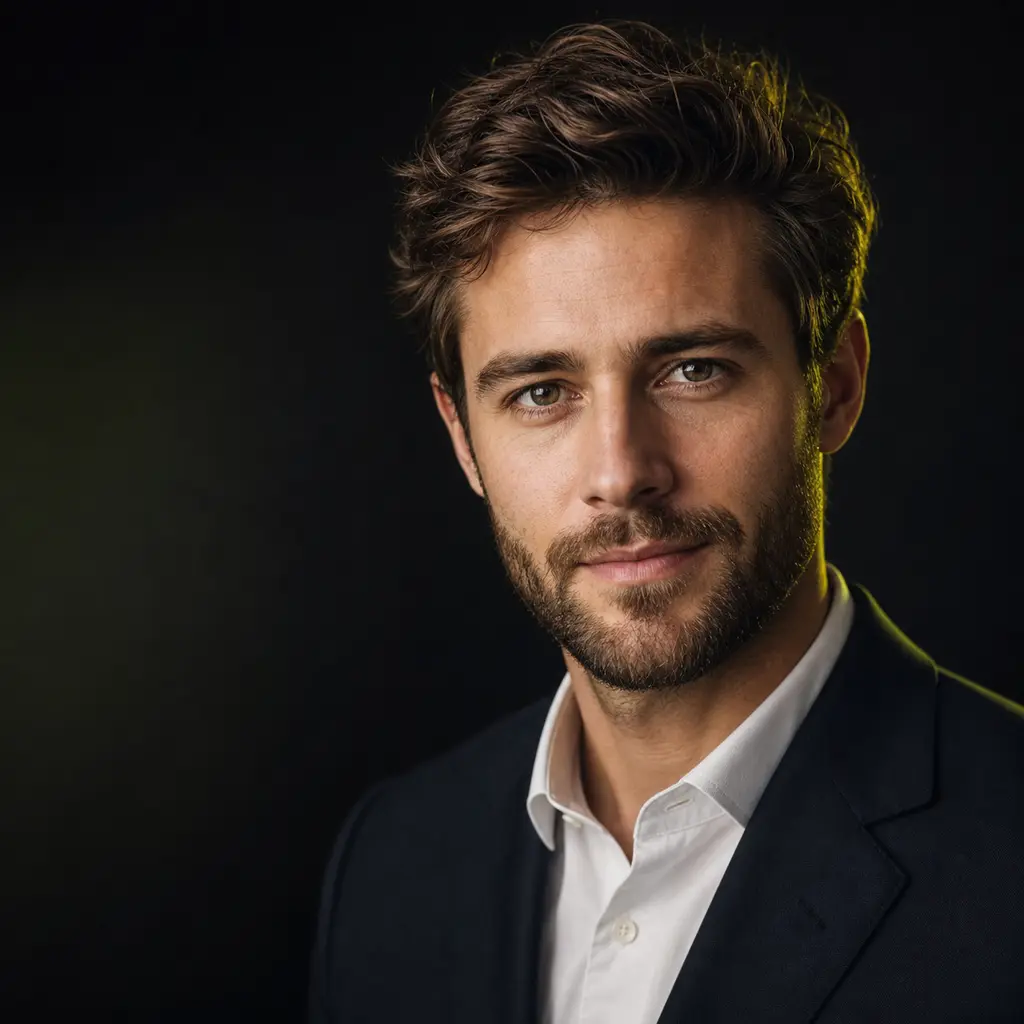
From Camera Roll to Profile in Minutes
No booking, no ring light, no awkward posing.
Pick two or three selfies you already have
Good light and a clear view of your face is the whole requirement. Recent ones are better than flattering old ones.
Choose a backdrop and outfit that fit your field
Or let the generator pair them. Neutral studio and a blazer is the safest default across almost every industry.
Download the LinkedIn crop
Pick your favourite from the shortlist and export it pre-cropped for a profile photo.
Update while it is fresh
Replace the photo on LinkedIn, then reuse the same image on your email signature and team page for consistency.
Selfies That Survive LinkedIn's Circle
LinkedIn masks your photo to a circle and renders it small. These four habits protect the part of the frame that actually survives that.
Leave room at the corners
LinkedIn discards everything outside a circle drawn inside your square. Shoot with a little air around your head so the crop eats background rather than the top of your hair or the edge of a shoulder.
Test the selfie at 48 pixels
Shrink a candidate photo on your phone until it is the size of a feed avatar. If the expression is unreadable there, no generator will rescue it - contrast between your face and whatever is behind you is what carries at that scale.
Use a face your network recognises
Connections should know it is you from the thumbnail alone. A selfie taken before a meaningful change in hair, glasses or weight makes the whole profile read as stale, however good the headshot is.
Skip the beauty filter, keep the skin
LinkedIn is the one network where over-smoothed skin actively costs you credibility. Upload the unfiltered frame and let the lighting do the flattering - filtered input also drags the likeness score down.
Everything Included
Built specifically around the profile-photo use case.
One-click profile crops
LinkedIn, Slack, email signature, and print sizes exported from the same image.
Industry-appropriate wardrobe
From formal suits to scrubs and lab coats, so the photo matches the work you actually do.
Expression options
Compare a warm smile against a confident neutral and pick what suits your field.
Auto-ranked shortlist
Eight strongest images surfaced first so choosing takes a minute, not an evening.
Free re-shoot
If the likeness is not right, we re-run the whole thing on a different engine at no cost.
Photos deleted on your say-so
Automatic deletion after 30 days, or immediately with one click.
Your Profile Photo Is Public, Your Selfies Are Not
A LinkedIn headshot is meant to be seen. The source photos behind it are biometric data, and the product keeps them under your control.
LinkedIn Headshots in numbers
What a run costs and returns
Per run, depending on the model and length chosen.
Includes a commercial licence for what you make.
Accepted for upload, up to 5 MB per file.
On a new account, before any plan.
LinkedIn Headshot Questions
Before you replace your profile photo
Want the full picture first? See how the AI headshot generator works end to end, including what happens to images that miss.
Update Your LinkedIn Headshot Today
Two selfies and a few minutes is the whole commitment. If the LinkedIn headshot does not look like you, you do not pay for it.
